



A home golf simulator can transform how you practise and play, but only if you get the set-up right.
It is an exciting investment, but it’s easy to overlook some small details that make all the difference. So, before you take the plunge, are you sure your space is ready for it?
To help you get it right from the start, here’s what you should consider before purchasing your home golf simulator.
Get your measurements right
One of the biggest considerations when buying a simulator is whether your space is actually suitable and big enough.
While you can assume you have enough room, you must consider factors like your ceiling height and how high you might swing your club when using the space.
Measuring just your standing height isn’t enough. You need to account for a full, unrestricted swing, especially with your driver, as this is the longest club your bag.
We recommend allowing around 10 to 12 feet in length for a comfortable set-up. You don’t want to be constantly worrying about damaging your clubs or home every time you swing.
Test the space by swinging your driver to ensure you can move freely without restriction or risk of damage.
Choose the right hitting mat
Your hitting mat is just as important as your simulator technology.
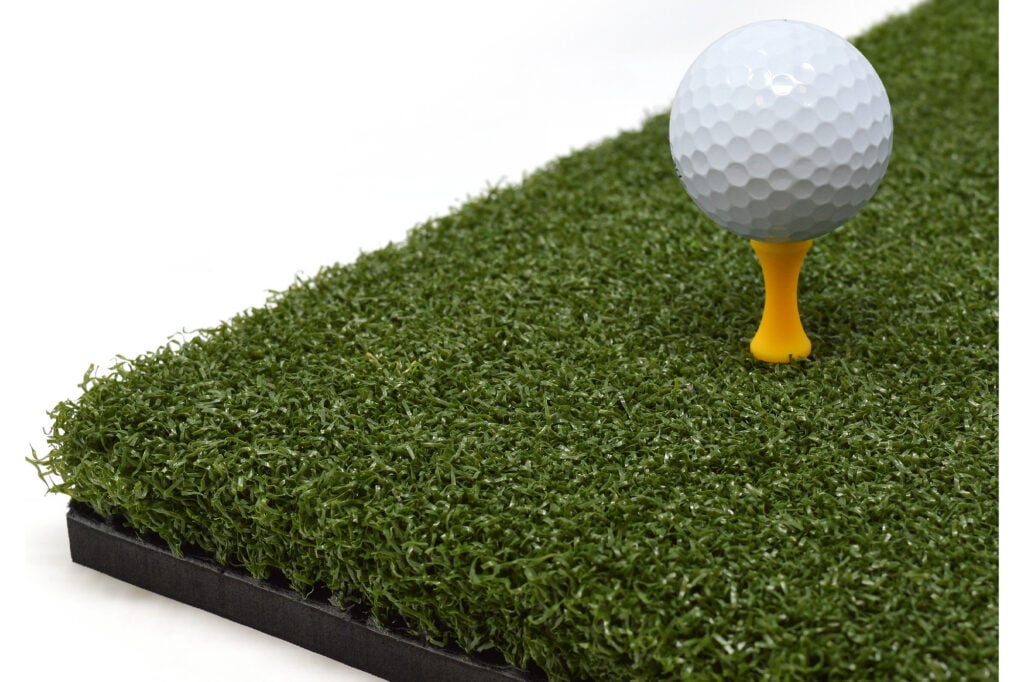
If you’re planning to use your simulator regularly, investing in a high-quality mat is essential. Poor mats can negatively impact your performance, encourage bad habits, and even lead to wrist or joint strain over time.
A good mat is more likely to offer realistic feedback to help improve performance, whilst also providing enough shock absorption to protect your body.
Perfect your lighting
Lighting plays a huge role in how immersive and enjoyable your simulator experience is.
Without the appropriate lighting, you can run into issues like shadows over the ball or glare on the simulator screen. Ideally, you want to illuminate the hitting area clearly without interfering with the display.
Advertisement

We would recommend overhead lighting that focuses on the ball, rather than the screen, works best. It’s also worth blocking out external light sources, such as windows.
Equally, it is important to consider the quality of your picture. Our UltraMax screen is a high contrast, 4k option that is designed to deliver a sharper and more immersive picture. The darker surface helps with this and enhances the experience of your home enclosure.
Don’t forget to consider the ball flight
When planning your simulator, it’s important to think about what happens after impact.
You’ll need to ensure there’s enough space for the ball to travel safely into the screen without any risk of it rebounding straight back in your direction. Keeping a gap between the impact screen and the wall behind it is essential.
Again, our UltraMax screen is a great option to help ensure your set-up withstands your shots. It is equipped with a platinum three-layer impact screen built for durability and repeated use.
Equally, positioning yourself at an appropriate distance from the screen is key for your own safety.
Have a clear purpose for your space
Before purchasing your simulator, we recommend you have a clear idea of how you actually want to use it.
Is it purely for entertainment? A serious practice space? A social space? Or a mix of everything?
There is no harm in knowing what you want from your home simulator first. It can ensure that you don’t overspend on things you might not need.
For example, the Omni launch monitor offers tour-level accuracy with four cameras, infrared tracking, and a built-in display. Its free built-in simulator software includes four game modes that helps to spice up practice.
Choose the right launch monitor
Your launch monitor is the engine of your simulator, so choosing the right one is critical.
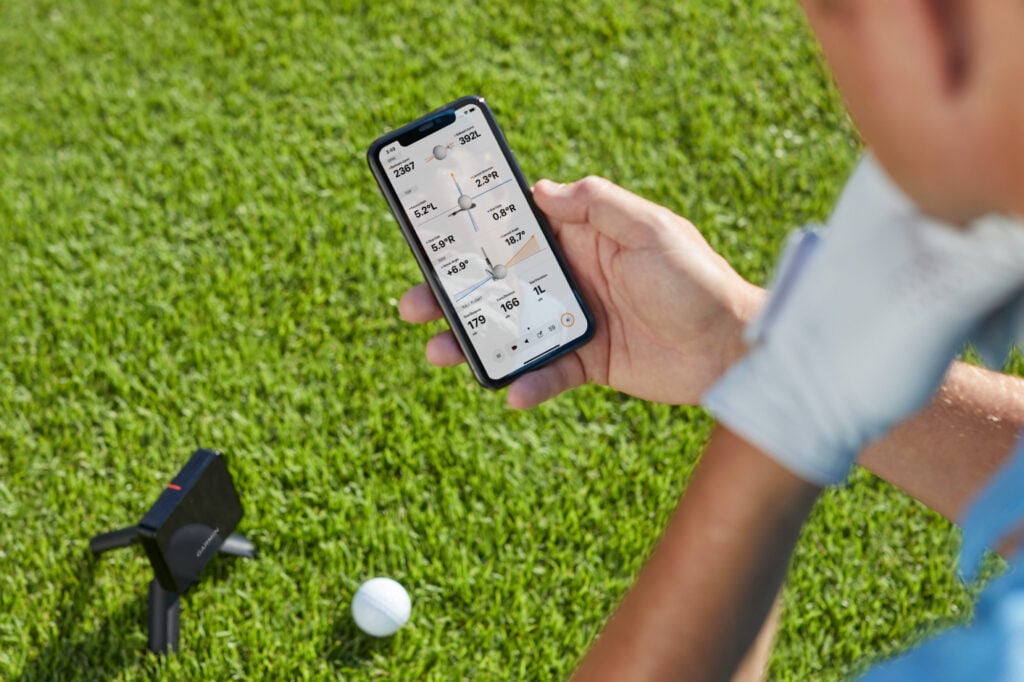
It can be tempting to go for the most popular or feature-packed option, but that might not always be the case. For example, radar-based systems typically require more room, while camera-based systems are better suited to more compact setups.
Check out everything SimSpace has to offer here.
NCG GIVEAWAYS – WIN FREE STUFF
- RELATED: Deals of the week – grab yourself a bargain
- RELATED: Golf gear giveaways – FREE prizes
YOUR GOLF NCG YOUTUBE CHANNEL
Don’t forget to check out and like our YouTube channel – YOUR GOLF NCG – where you will find lots of hints, tips and equipment reviews.
Advertisement