



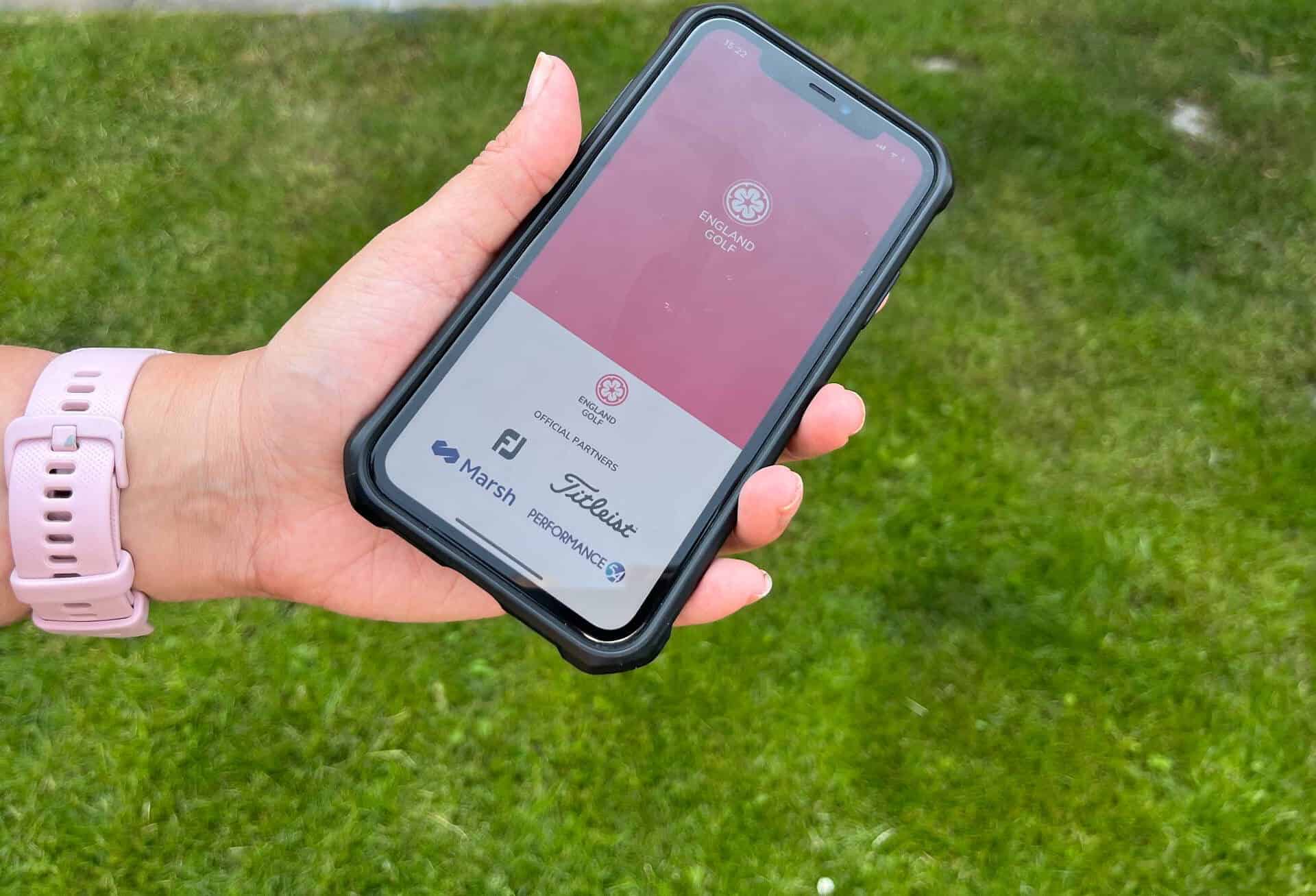
Using your digital app, whether you’re an English player travelling to Scotland, or an Irish golfer playing in Wales, you can enter a score for your World Handicap System index.
If you’re playing an affiliated course in one of the four nations, the digital app you use from England Golf, Scottish Golf, Wales Golf or Golf Ireland can accept a general play score and add it to your handicap record.
Not only can you play with golfers from your own country, you can also mark scores for those in other home nations after you’ve played together.
So if want to get cracking, here’s how to do it..

How can you enter cross-border scores in a digital app?
From the dashboard page, click on the scorecard tab. Go into find a course and select the jurisdiction you’re going to submit a score from. To do that, click the country option and choose the nation.
It will find the courses nearest to you, and you can pick the course, select the tee you’re playing, then create scorecard and click on that new scorecard.
You’ll have the option to add playing partners at that point before clicking ‘start round’.
You enter your hole-by-hole scores as normal. When you finish your round, you will check your scores before confirming and adding your signature on the app.
Now you need to find your marker. There is no change if you and your playing partner are from the same country, but you can now have an attester who is from another home nation.