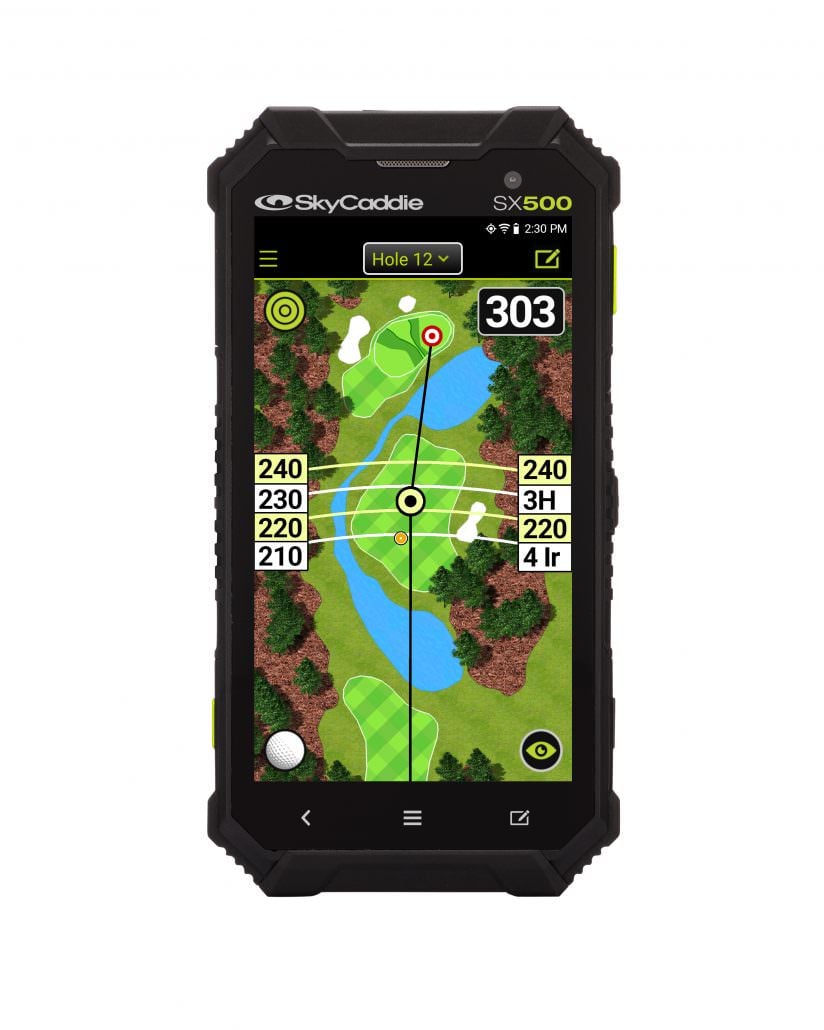



Our SkyCaddie SX500 review took place on the course at Alwoodley in Leeds.
I love the instant information you get from a mere glance at a GPS device. But I am also a long-term laser devotee because sometimes I need to know the exact distance to the flag.
So I was keen to see what the SX500, SkyCaddie’s new top-of-the-range GPS, had to offer.
SkyCaddie SX500 review: First impressions
My current GPS is an old and basic Garmin that just provides yardages to the front, middle and back of greens. It’s entirely adequate, as I will always reach for my Bushnell when I want to know an exact yardage.
But often, especially in casual play, a middle-of-the-green number is all I am looking for. It saves me reaching into my bag to get my laser out.
So the first thing that struck me about the SX500 was the size of the device and the richness of the display. It’s like picking up a smartphone.
There is absolutely no doubt that if additional features are your thing, you are going to relish using the SX500.
The view of the hole is large and crystal-clear. You can pinch the screen to zoom in as you would on your smartphone.
SkyCaddie SX500 review: The technology
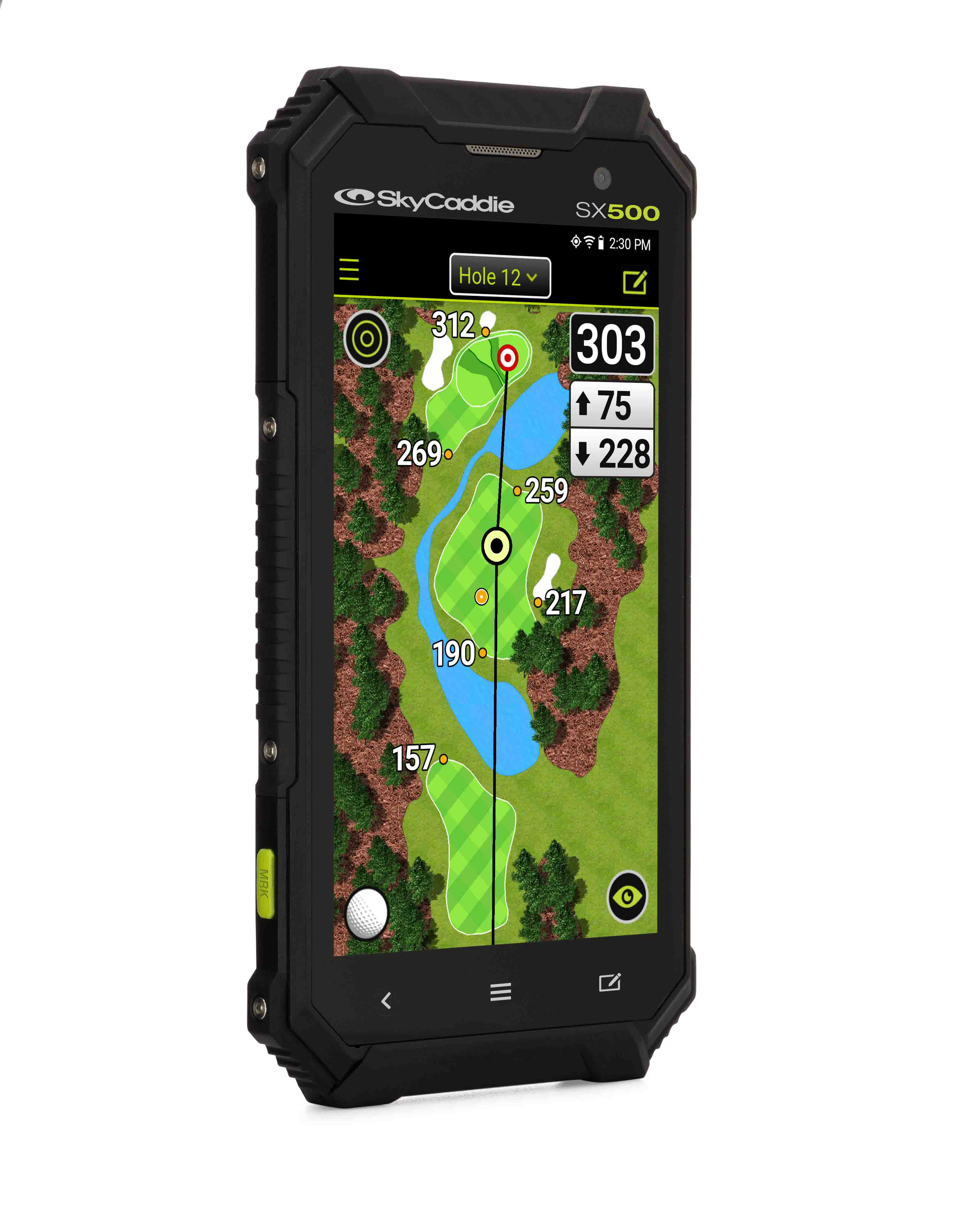
Let’s start with the IntelliGreen Pro feature, which lets you zero in to a view of the green from any distance. It shows you what’s around the green and also significant contours on it.
The key screen is the Dynamic HoleVue, which displays anything from a full-colour map of the entire hole to a close-up of the angle of a dogleg or a specific hazard with accurate distances from the point where you are standing.
That’s great for those of us who like to think of ourselves as strategists.
Like all GPS devices, the SX500’s bread and butter is those front, middle and back yardages.
Advertisement
I’d argue that, for most of us, most of the time, a distance to the middle of the green is more than enough information.
But if you want the ultimate, then the SX500 has the potential to go much further and even provide you with the Holy Grail – namely, exact distances to the pin. SkyCaddie call this PinPoint.